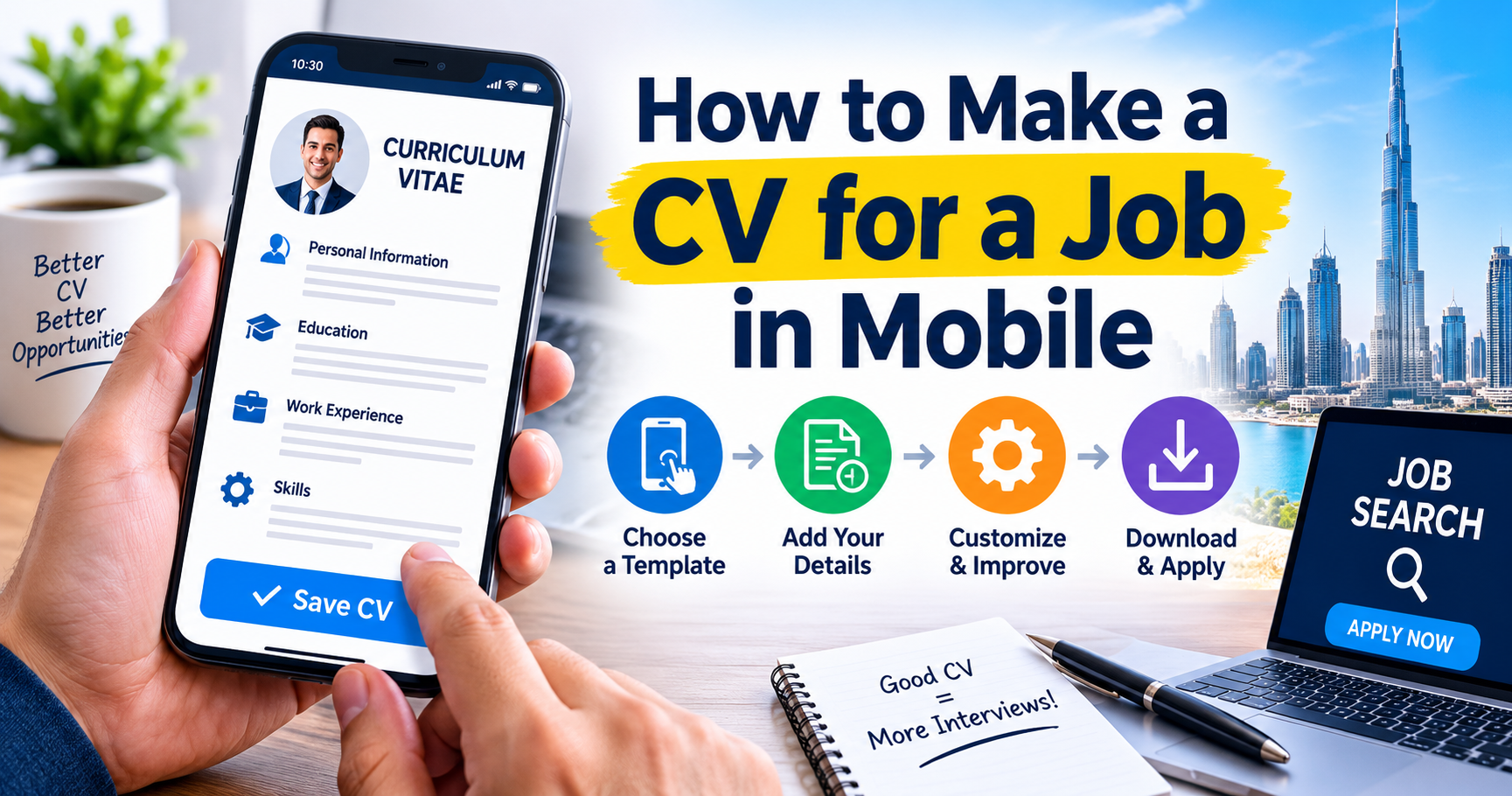
With job hunting from mobile, you can now easily create, edit and send your CV from a smartphone or tablet. That is why making a CV on mobile looks a bit different and will require adjustments to make it look neat, tidy and easy to read in a smaller form factor.

With a well-arranged mobile CV, applying for jobs is easier and increases your chances of attracting the attention of employers. This is a detailed guide on how to make a CV using your mobile phone for a job in a simple and effective way, which really works.
Understand the Core of a Good CV
When creating your CV on mobile, you should first have a basic understanding of what an excellent CV looks like. The CV does not need to be an extended answer on what you have studied and your experience, but it needs to highlight your credentials and make you seem like a person who can add value to the job you want. Your CV needs to highlight your skills and accomplishments.
Choose the Right Mobile Tools
Mobile apps and tools that can help you build a resume easily. Word processors, CV makers and design tools let you create a professional CV directly from your phone.
Pick a tool that provides your ready-made templates. This will save time and also present your CV in a neat and professional manner. Confirm the app is suitable for you by asking yourself whether it exports your CV as a PDF, which is the preferred format when applying for jobs.
Start with Your Contact Information
Your CV should start with some basic contact information: your Full Name, Phone Number, and Professional Email Address. If you have a LinkedIn account, then you can also link it here.
Be clear and direct in this section. Do not add any personal details, like age, marital status or a picture, unless it is a must.
Write a Strong Professional Summary
Include a brief professional summary following your contact details. This is a small paragraph that describes your experience, expertise and what you are looking for.
If you write on mobile, keep your sentences short and to the point. Most people will say that they are looking for a job/whatever, but you want to focus on what you can provide. Treat it as much more about the employer rather than what you can get from the company. The right summary can grab a recruiter’s attention within seconds. Most people take help from CV Writing Services to build a better structure, wording, and presentation of the CV.
Add Your Work Experience
The work experience portion of your resume is probably the most vital component of your resume—employment history. List your jobs in reverse chronological order, starting with the most recent position.
Enter the title of each position, as well as who you worked for and the years you were there. Bullet out your wins and responsibilities. All points should be brief and come across with conviction.
No long paragraphs when mobile. Short lines (Generally shorter lines are easier to read/edit on a small screen)
Highlight Your Skills
Add a section in which you write your top skills. Geared toward the job you are applying for. You may be trained in data, such as technical skills, communication skills or problem-solving.
You have been trained on the duties and responsibilities since October 2023. It also boosts your chances of clearing Applicant Tracking Systems (ATS) and getting shortlisted.
Add Your Education
Make sure your educational background comes in a clear and simple format. Talk about your degree, college and year of graduation.
You may also want to list any certifications or continued education that you may have. This makes your CV more attractive and helps you to show a willingness to learn.
Keep Formatting Simple
Mobile CV formatting is an aspect of making a CV that cannot be dismissed—clean, simple designs with clear headings. Use a maximum of fonts/colors.
One font type should be used, and the font size needs to be legible. There needs to be space between each section. It will appear unprofessional if the design is too complex and fails to be translated into mobile and desktop formats.
Save and Export as PDF
As soon as you have your CV, it is a good idea to save it in PDF. That way, your formatting remains intact when viewed on any device.
Many employers prefer that you submit documents as a PDF file because they open easily and appear uniform. When you send your CV, verify that the file itself shows everything as it should –
Review and Edit Carefully
Proofreading is a part of it. Read over every section of your CV thoroughly to ensure that the information it contains is open and obvious.
As you are on a phone level-wise, you will want to check each line out individually, such as zooming in on them. Or you can request feedback on your CV from friends.
When to Consider Professional Help
You could seek expert help if you struggle to make a CV on your own. Professional services can assist you in generating a top-notch and thorough CV or resume, adhering to industry norms. But whilst using professionals is great, it remains paramount that you understand what goes into your CV.
Tips for Applying from Mobile
If you are applying for jobs via your mobile, change the name of your CV file to something professional. Try not to keep generic names, which will be something like — CV123, and use your name instead. When forwarding your CV, create a succinct and explicit email as well.
Final Thoughts
With a few steps, you can easily make use of your phone to create a CV for a job. To clarify, ensure your content is relevant and use a clean design. The mobile tools expedite the whole process, allowing you to submit applications anytime on the go.
However, with thorough planning and structuring, it is possible to draw up such a professional CV. A professionally designed mobile CV has the potential to unlock opportunities for you, whether you are a student, a fresh graduate or an experienced professional.



One thought on “How to Make a CV for a Job in Mobile”