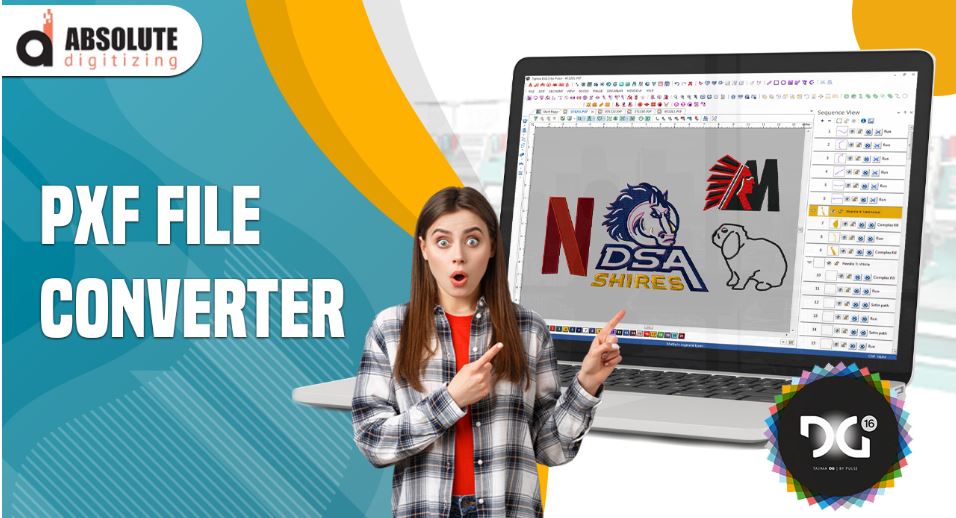
Embroidery digitizing has many file types. Each file has a purpose. Some files are for machines. Some are for editing. If you want full control over your design, you must understand advanced file types. One of the most important files is the PXF file.
Many beginners feel confused when they first hear about PXF File Embroidery. But do not worry. This guide will explain everything in a very simple way. You will learn what a PXF file is, how it works, and why it is important in Wilcom software.
What Is a PXF File?
A PXF file is a project file used in Wilcom embroidery software. It is not a machine file. It is an editable file.
Simple Meaning:
- It stores full design data
- It keeps all settings
- It allows editing anytime
Think of it like a master file. You can open it, edit it, and improve your design again and again.
Why PXF Files Are Important
PXF files are very important in advanced digitizing.
Key Benefits:
- Full control over design
- Easy editing
- No quality loss
- Saves all settings
Without a PXF file, you cannot make deep changes.
PXF vs Machine Files
Let’s understand the difference.
PXF File:
- Editable
- Used in software
- Stores full data
Machine File (DST, PES, EXP):
- Not editable
- Used by machines
- Limited data
Once you export a machine file, you lose many details. That is why PXF is important.
How PXF Works in Wilcom
Wilcom is one of the most used digitizing software tools.
What PXF Stores:
- Stitch types
- Stitch direction
- Density settings
- Underlay
- Object layers
Everything stays saved inside the file.
Step-by-Step Use of PXF File
Let’s understand how to use it in real work.
Step 1: Create Design in Wilcom
Start your design in Wilcom software.
Do This:
- Import image
- Trace design
- Set stitches
Your work starts here.
Step 2: Save as PXF File
Once you start working, save your file.
Why Save Early:
- Protect your work
- Keep editable version
- Avoid data loss
Always save your file as PXF.
Step 3: Edit Anytime
You can open the file later.
You Can Change:
- Stitch type
- Density
- Direction
- Colors
This makes your work flexible.
Step 4: Export Machine File
After final work, export your design.
Common Formats:
- DST
- PES
- EXP
Your machine will read this file.
Real Experience Insight
From real work, PXF files save time and effort. Many times, clients ask for changes. If you only have a machine file, you must start again.
But with a PXF file, you can edit quickly. You do not lose quality. You save hours of work.
This is why professionals always keep PXF files.
Common Mistakes Beginners Make
Many new users make mistakes.
Not Saving PXF File
They only save machine files.
Problem:
- No editing later
- Need to redo work
Using Auto Digitizing Only
Auto tools do not save proper structure.
Problem:
- Poor quality
- Hard to edit
Ignoring Layers
Not using layers creates confusion.
Problem:
- Hard to manage design
- Poor control
Tips for Better Use of PXF Files
Follow these tips for best results.
Save Multiple Versions
Keep backup files.
Example:
- design_v1.pxf
- design_v2.pxf
Use Proper Naming
Clear names help you find files easily.
Organize Layers
Keep your design clean.
Benefits:
- Easy editing
- Better control
Check Settings Before Export
Always review your design.
Advanced Features in PXF Files
PXF files support advanced digitizing.
Stitch Control
You can adjust every stitch.
Object Editing
Each part of the design is separate.
Color Management
Change thread colors anytime.
Underlay Control
Edit base stitching easily.
Why Professionals Prefer PXF
Experts always use PXF files.
Reasons:
- High flexibility
- Better quality control
- Easy updates
- Professional workflow
Companies like Absolute Digitizing use advanced files to ensure top quality.
When to Use PXF File
You should use the PXF file in these cases.
Complex Designs
Detailed designs need editing.
Client Work
Clients often ask for changes.
Large Projects
Big projects need proper management.
Benefits of Using Experts
If you are not skilled yet, you can hire experts.
Advantages:
- Save time
- Get perfect quality
- Avoid mistakes
Many businesses trust Absolute Digitizing-Embroidery Digitizing Services in USA for reliable digitizing work.
How to Build Trust in Digitizing
Trust comes from quality work.
Do This:
- Keep files organized
- Always save PXF
- Test designs
- Deliver clean work
Professional services like Absolute Digitizing follow these steps to build strong trust.
Best Practices for Advanced Digitizing
Follow these simple rules.
Keep Designs Clean
Simple designs work better.
Learn Stitch Basics
Understand how stitches work.
Practice Daily
Skills improve with time.
Review Your Work
Always check before export.
Final Thoughts
Understanding PXF files is very important if you want to grow in embroidery digitizing. These files give you full control. They help you edit your design anytime without losing quality.
Always save your work as a PXF file. Use it as your master file. Export machine files only when your design is ready.
If you follow the right steps, your work will improve. And if you want expert-level results, working with professionals is always a smart choice.
Keep learning. Keep practicing. And your embroidery skills will grow every day.

Leave a Reply